Production-Ready Cut Files.
Not Just Vectors.
Upload images or SVGs. Get validated, cut-ready files for CNC, laser cutters, Cricut, and plotters.
- Automatic validation for cutting issues
- Clean cut outlines + backing shapes
- Export SVG, DXF, EPS, PDF
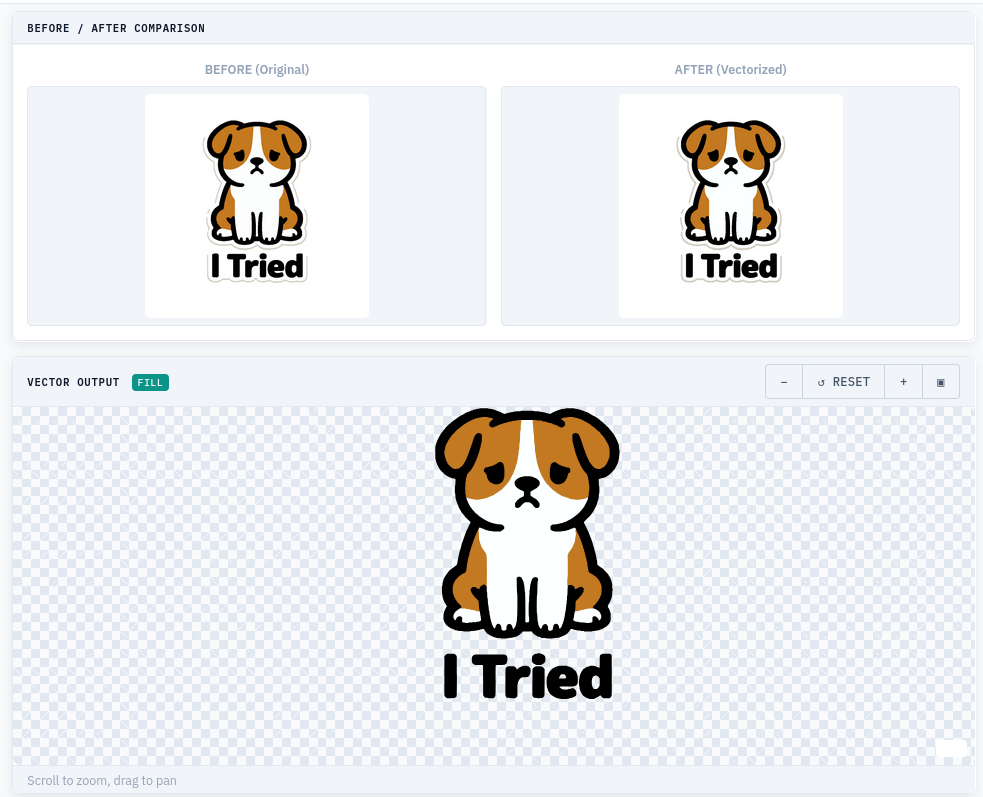
What Lumekon Does
A complete preparation pipeline, not just a vectorizer.
Validated Output
Every file checked for open paths, duplicates, and cutting issues before export.
Cut + Backing
Automatic silhouette and backing shapes for stickers, vinyl, and print-then-cut.
SVG Editor
In-browser adjustments for quick fixes without external software.
DXF Optimized
True arc geometry and AutoCAD-compatible exports for CNC and laser.
See It In Action
Real tools. Real output. No mockups.
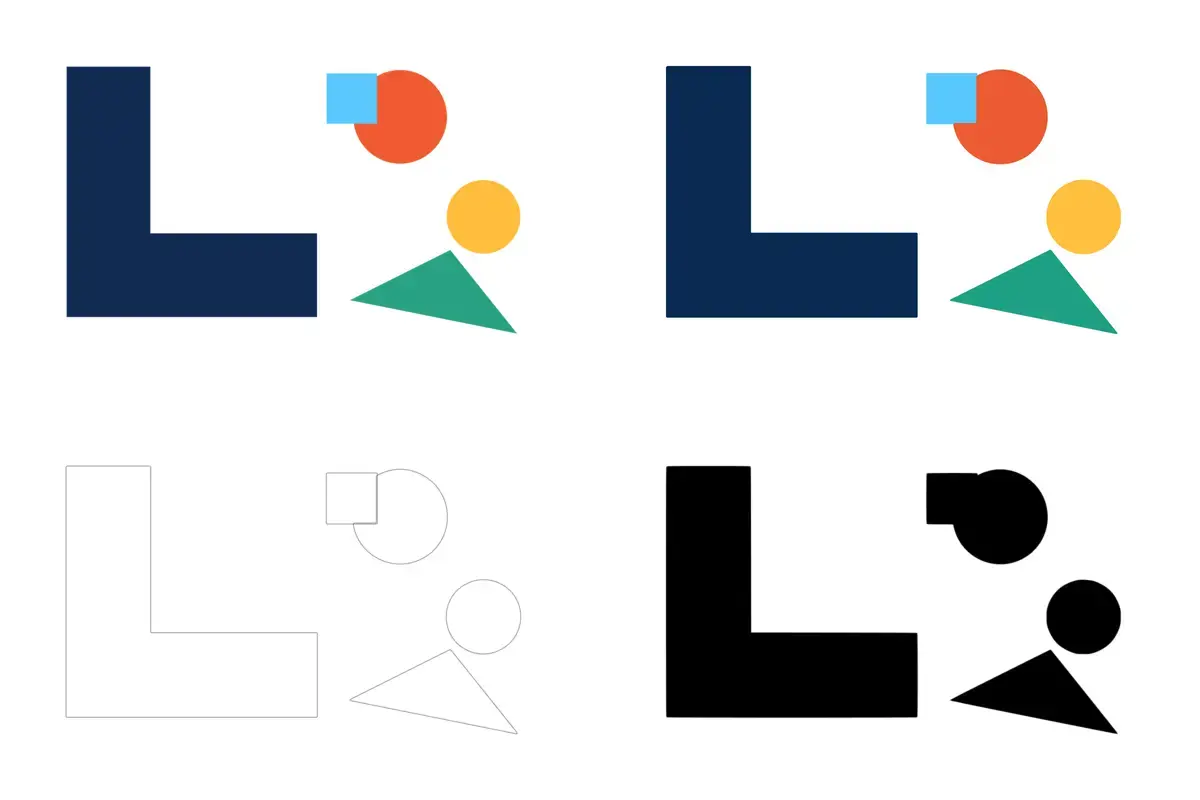
Flat Icon Sample
Clean vector conversion with separated layers.
Download sample files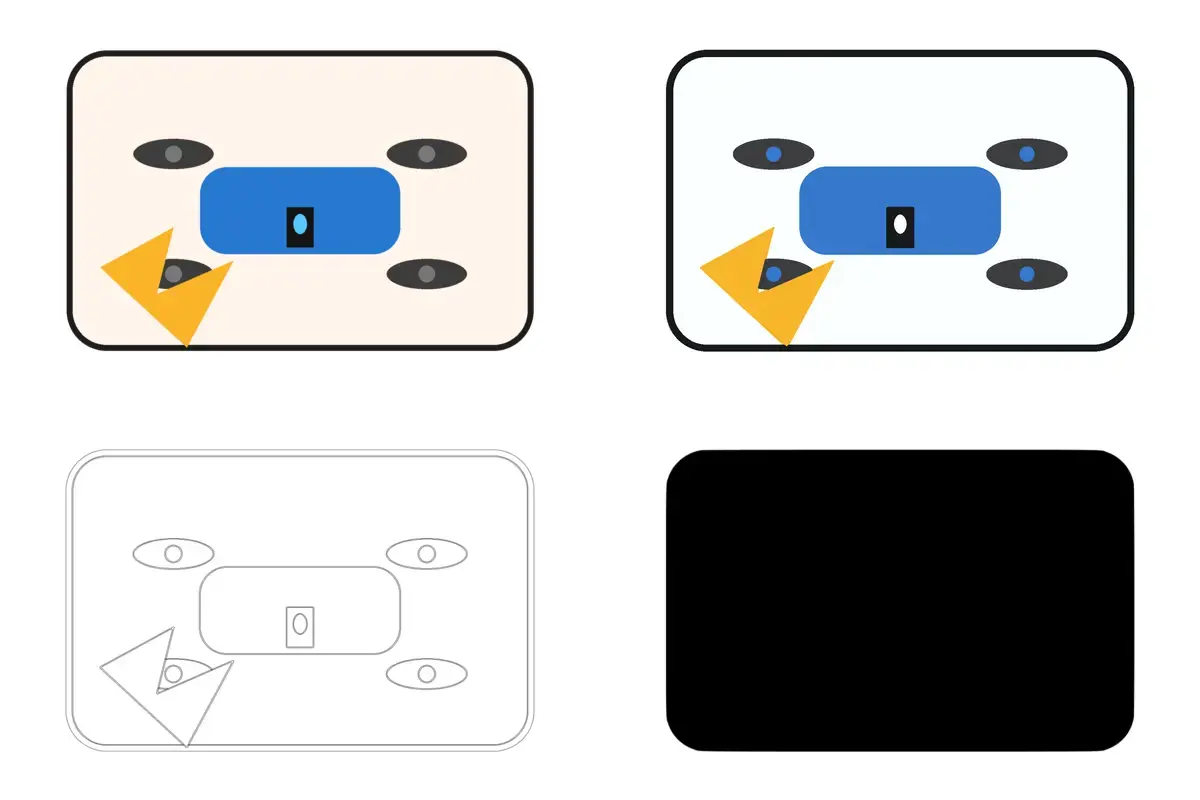
Sticker Illustration
Multi-color design with print-then-cut output.
Download sample files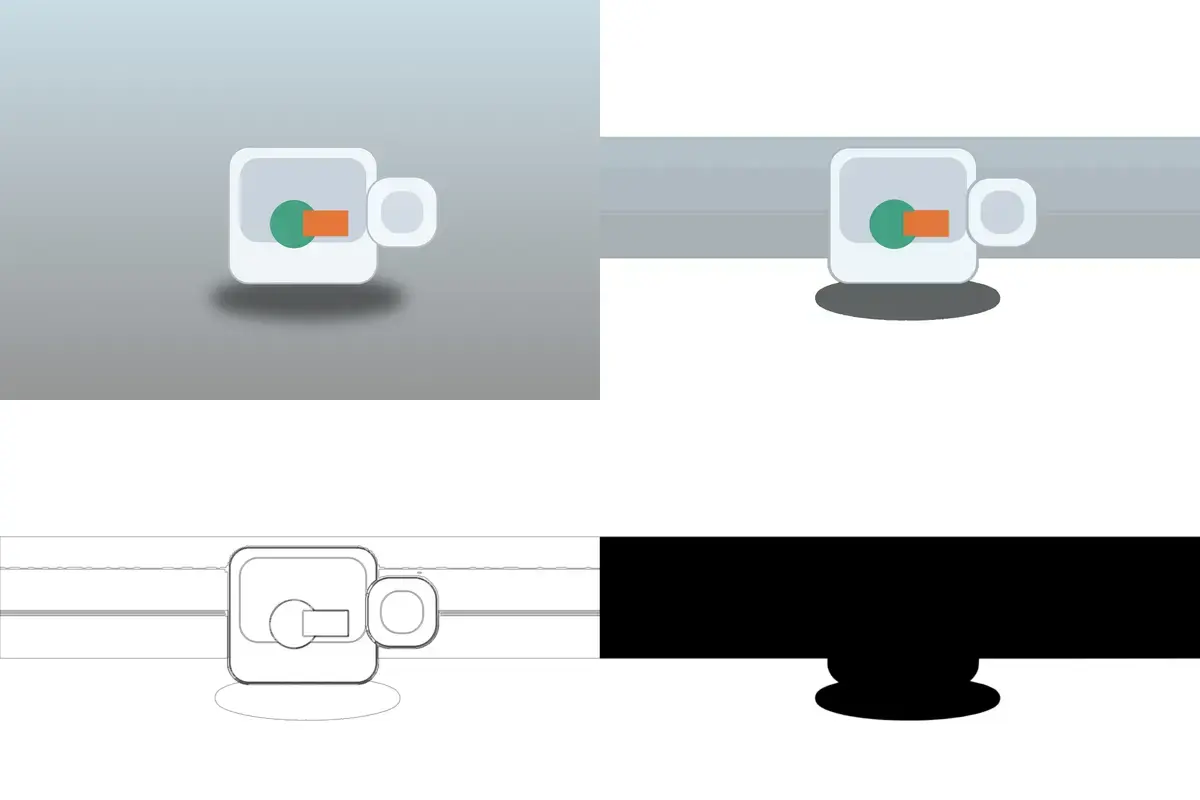
Photo-Like Sample
Complex raster to simplified vector paths.
Download sample filesHow It Works
Three steps to cut-ready output.
Upload
Drop your PNG, JPG, WebP, or SVG. Up to 12 MP.
Process
Analyze, validate, and generate production-ready vectors with issues flagged.
Download
Export SVG, DXF, EPS, or PDF. Each file includes a validation summary.
Two Production Modes
Choose the workflow you need — Lumekon generates geometry designed for cutting and engraving workflows.
Sticker / Vinyl
- Full-color SVG (clean layers)
- Detailed cut file for plotters (Cricut/Silhouette)
- Solid backing shape (outer silhouette)
CNC / Laser
- Engrave output = stroke-only vector lines
- No overlaps (planarized geometry)
- Kerf compensation in mm (optional)
Laser-ready by design
Built For
Makers, sellers, and production teams who need files that actually cut.
Etsy Sellers
- Fewer refunds from Cricut/Silhouette users
- Consistent output across all your designs
CNC / Laser Shops
- Less manual cleanup before each job
- DXF with true arc geometry
Makers & Designers
- Skip the manual Inkscape/Illustrator cleanup
- Production-validated handoff to vendors
Your SVG Looks Perfect.
Your Cutter Disagrees.
Most vectorizers optimize for display. Cutting machines have different rules. Run a free preflight check to see what's actually in your file.
Shapes cut as solid blobs
Inner details and holes disappear because paths aren't properly separated.
Text merges into unreadable shapes
Letters fuse together when fonts are converted without path cleanup.
Duplicate and overlapping paths
The cutter traces the same line twice, causing burn marks or double cuts.
DXF curves become jagged segments
Smooth arcs convert to straight lines, ruining the final product.
Too many nodes slow down the machine
Unoptimized paths contain thousands of unnecessary points.
Looks fine on screen, fails on the mat
Preview software doesn't simulate actual cutting behavior.
Vectorized vs. Production-Validated
"Vectorized" means the image was traced into paths.
"Production-validated" means those paths have been inspected for cutting risks.
| Typical Vectorizer | Lumekon | |
|---|---|---|
| Path tracing | ✓ | ✓ |
| Hole separation check | ✗ | ✓ |
| Duplicate detection | ✗ | ✓ |
| Node density analysis | ✗ | ✓ |
| DXF arc validation | ✗ | ✓ |
| Cut validation report | ✗ | ✓ |
Simple Pricing
Validator is free. Pay only when you need production exports.
Day Pass
- Unlimited conversions
- SVG + DXF + EPS + PDF
- Optimizer + Editor
- No watermark
Frequently Asked Questions
Will my files work with Cricut and Silhouette?
Yes. Lumekon outputs standard SVG files compatible with Cricut Design Space, Silhouette Studio, and other major cutting software.
Does this work for laser cutters?
Yes. DXF and SVG exports are optimized for laser and CNC workflows, including proper arc geometry and layer separation.
What file formats can I upload?
PNG, JPG, WebP, and SVG. Up to 12 MP. Transparent backgrounds are supported.
What file formats can I export?
SVG, DXF, EPS, and PDF. All formats are generated from the same validated source.
How is this different from a free online vectorizer?
Most vectorizers trace the image and stop. Lumekon validates the output for cutting issues, and the optional optimizer can apply changes with your consent.
What happens to my files after upload?
Files are processed on secure servers and automatically deleted within 24 hours. We do not store, share, or reuse uploaded content.
Ready to Cut with Confidence?
Convert your image to production-grade SVG, DXF, and EPS — validated for real cutting machines.
No install. No account required. Files deleted after 24 hours.