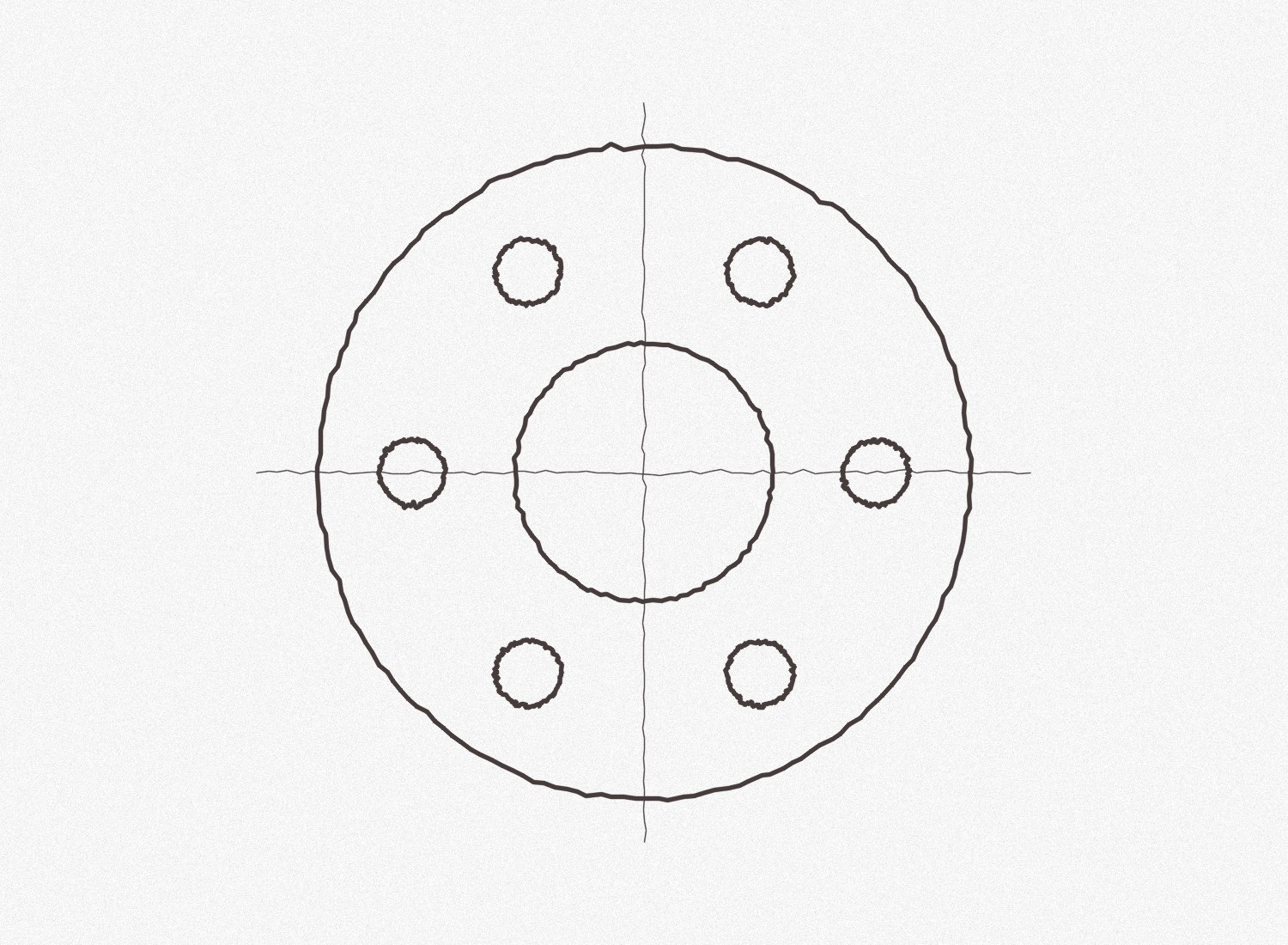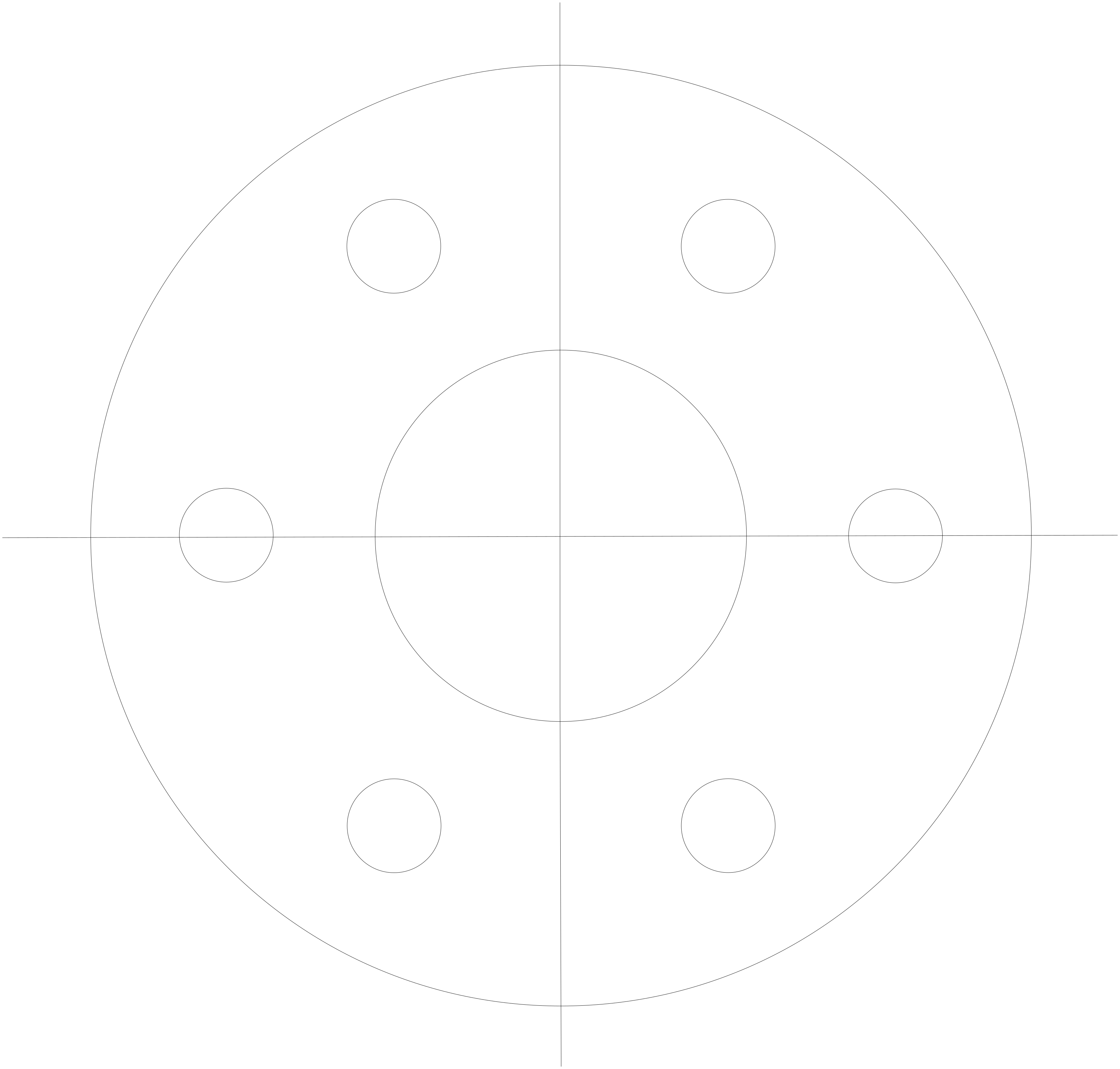

Your scanned drawing, back in CAD.
Most old drawings live as JPG scans. Upload one, and Lumekon removes paper texture, straightens a slight skew and writes the linework to DXF.
PNG, JPG or WebP up to 12 MB. Crop to one drawing; a straight, sharp scan beats a skewed photo of a screen.
Lumekon detects the drawing type, straightens it and fits lines, arcs and circles — not thousands of tiny polyline steps.
Download DXF, SVG and PNG. Set the scale from one known dimension and keep drawing on top of the result.
Our own sample files, converted by the same pipeline you use. Download the source and the result and open them yourself.
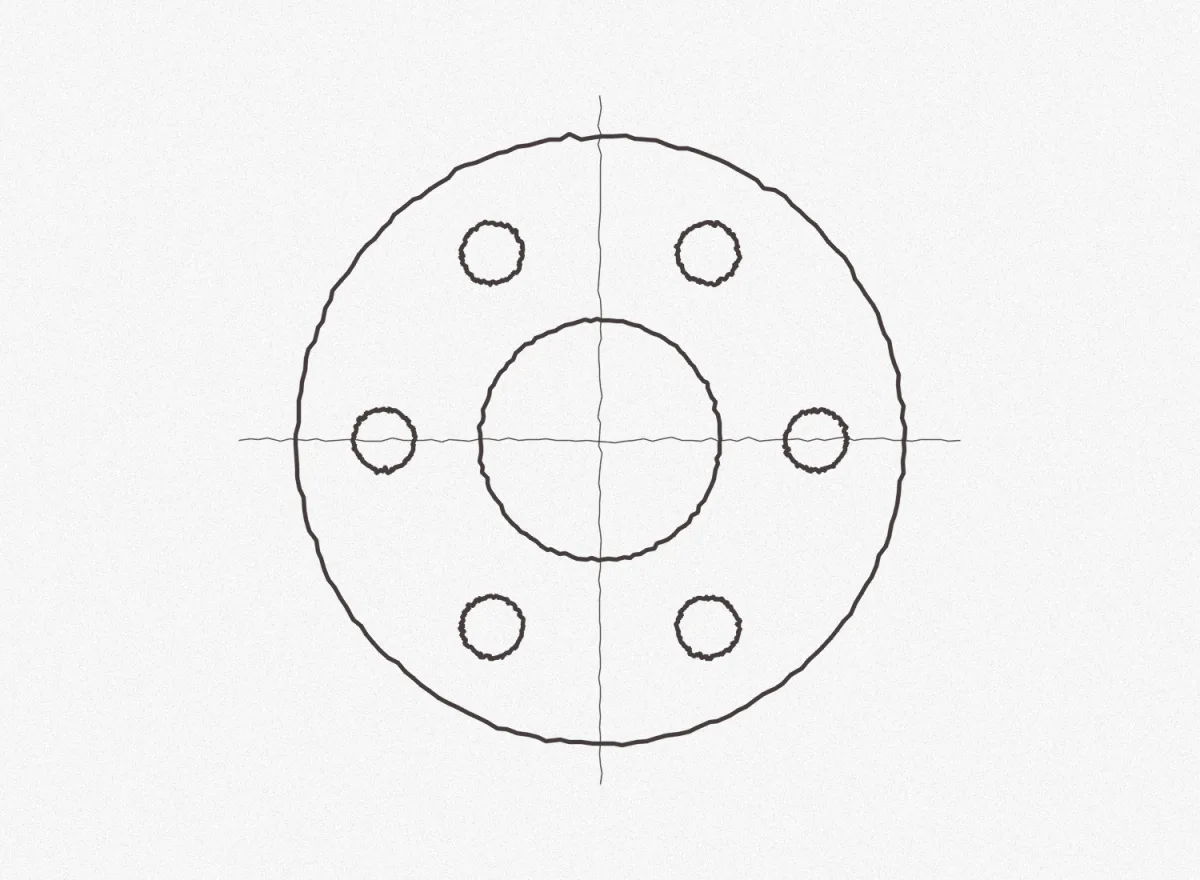
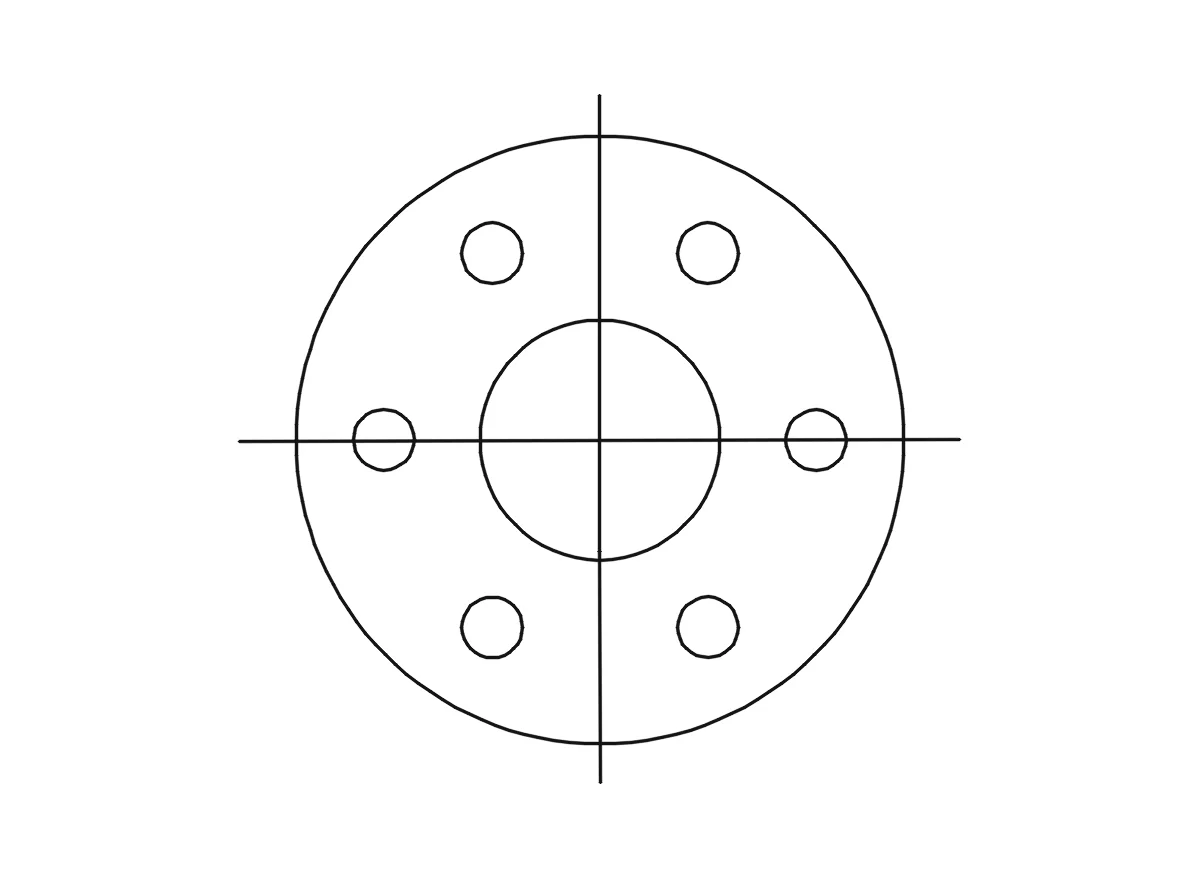

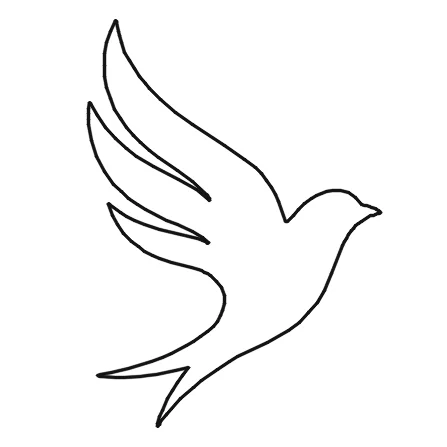
Knowing the limits saves a wasted cut or a wrong drawing. Here is what to check.
Heavy JPEG compression blurs thin lines. Save at high quality, or use PNG if you can export it again.
Small skew is straightened; a page photographed at an angle is not. Shoot straight down or use a scanner app.
Sharp scans of 1500 px or more on the short side with dark, even lines work best. Small or blurry images give a rough draft to clean up.
A raster image has no units. The DXF keeps proportions; set the real size in CAD from one dimension you know.
Each drawing becomes 2D geometry. Hidden edges, other views and 3D shape are not recovered from a single image.
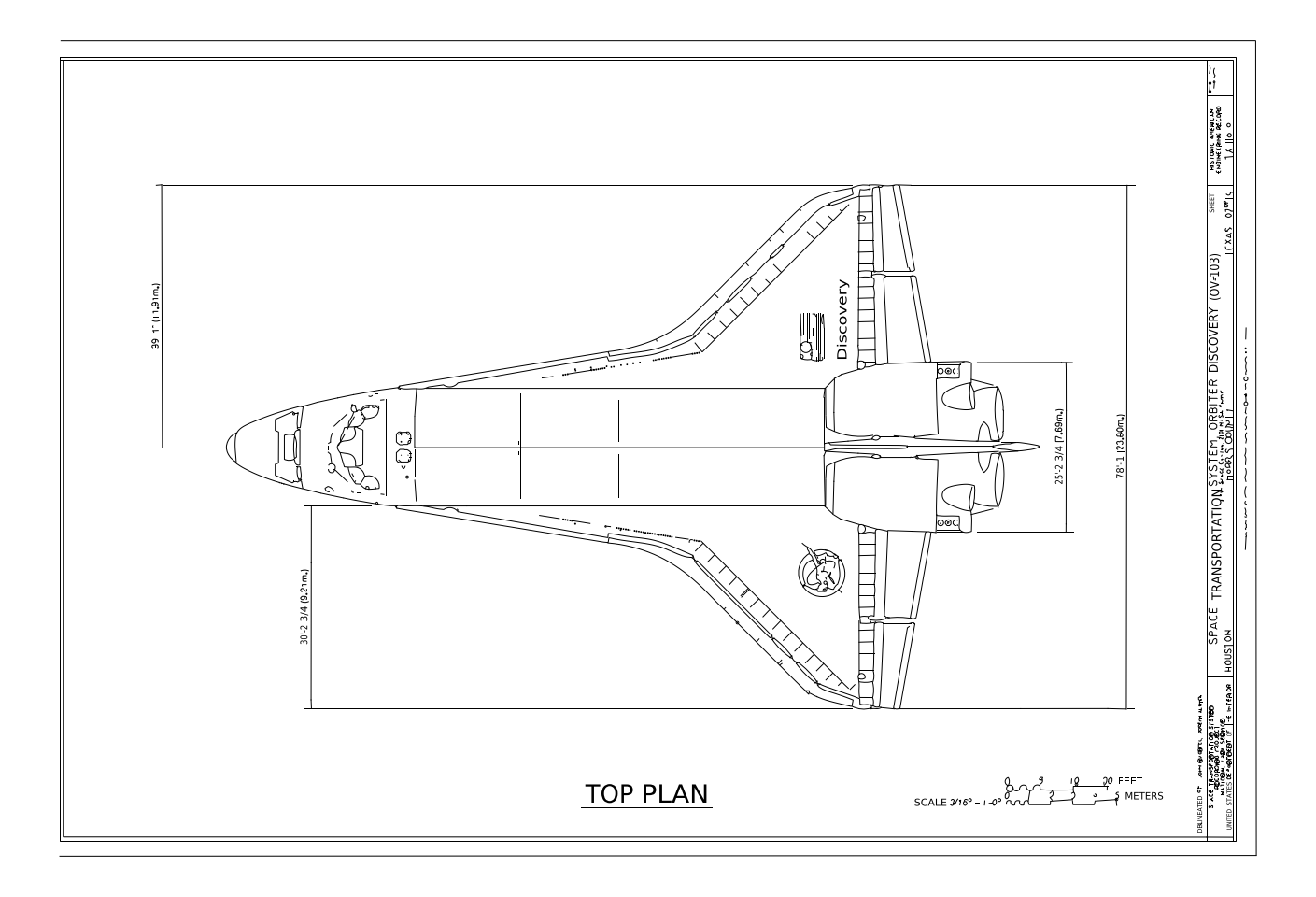 Space Shuttle orbiter Discovery: top plan (HAER)
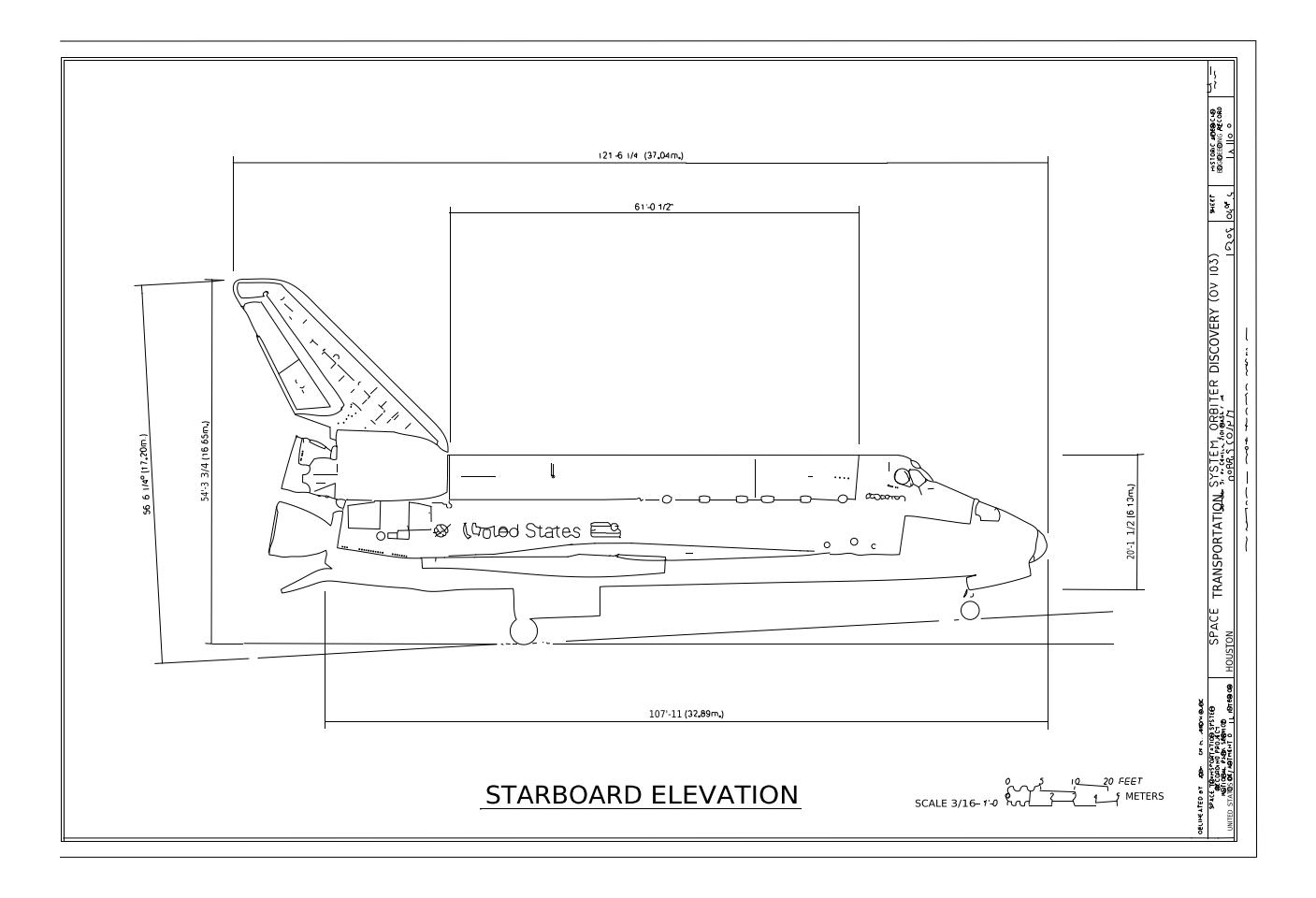 Space Shuttle orbiter Discovery: starboard elevation (HAER)
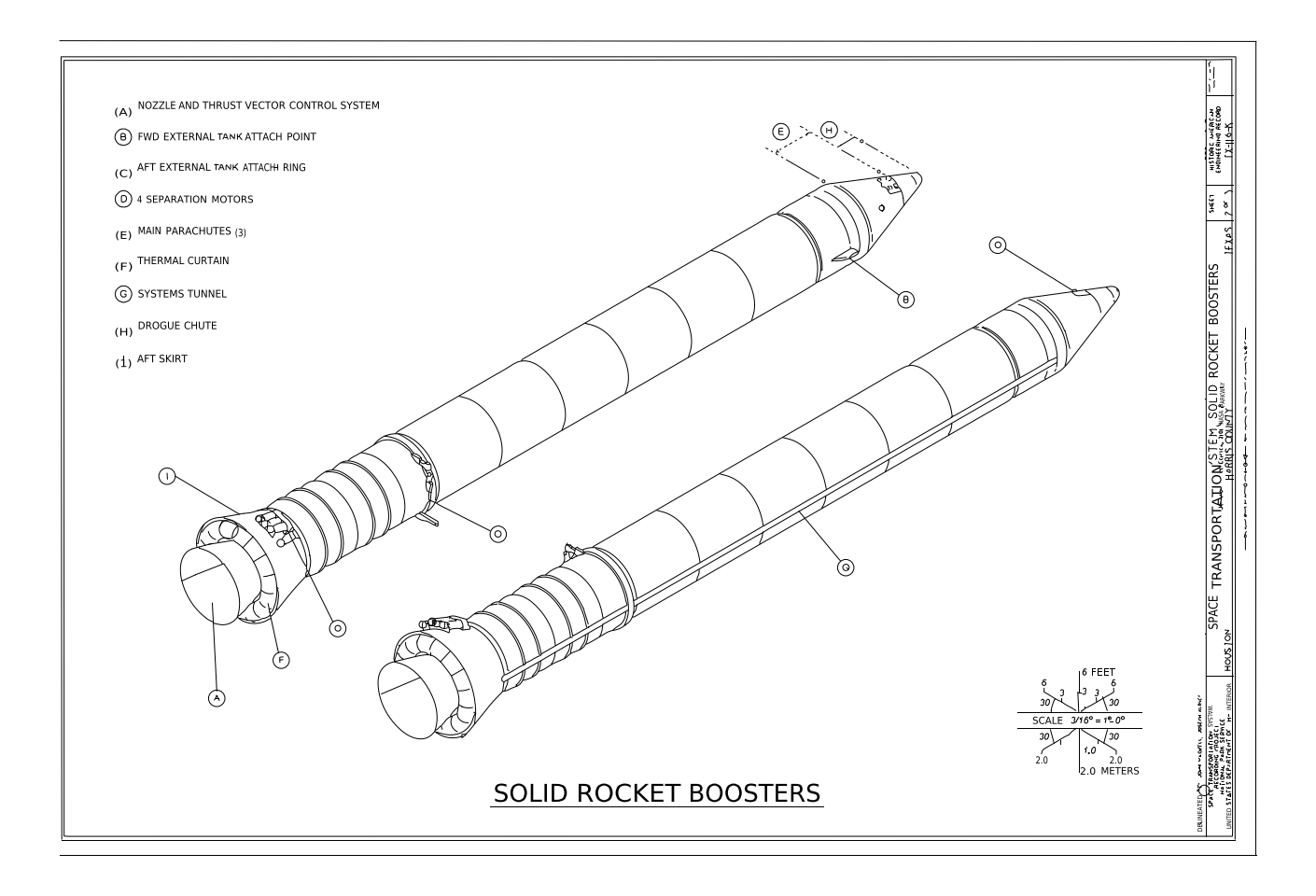 Space Shuttle solid rocket boosters isometric (HAER)
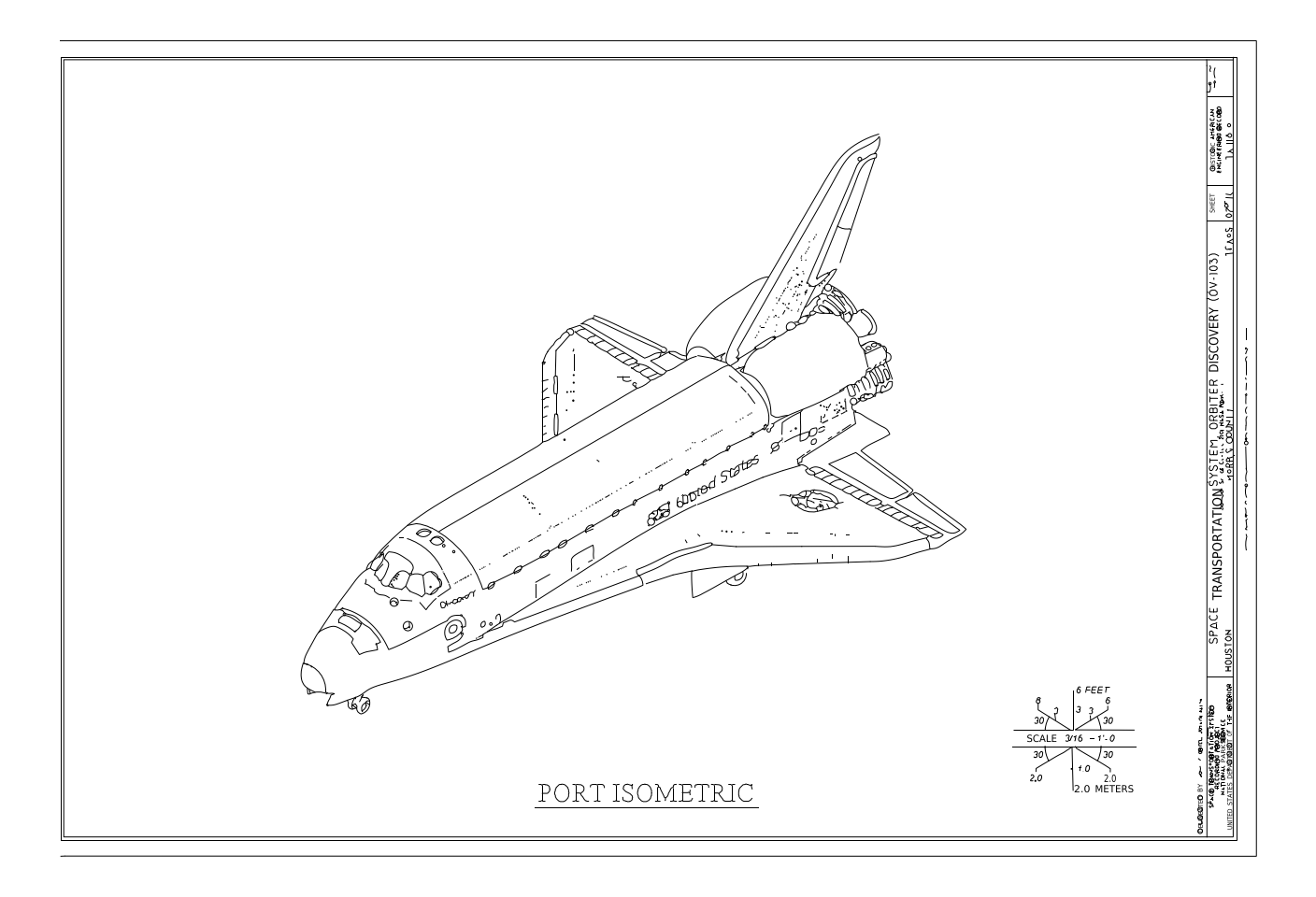 Space Shuttle orbiter Discovery: port isometric (HAER)
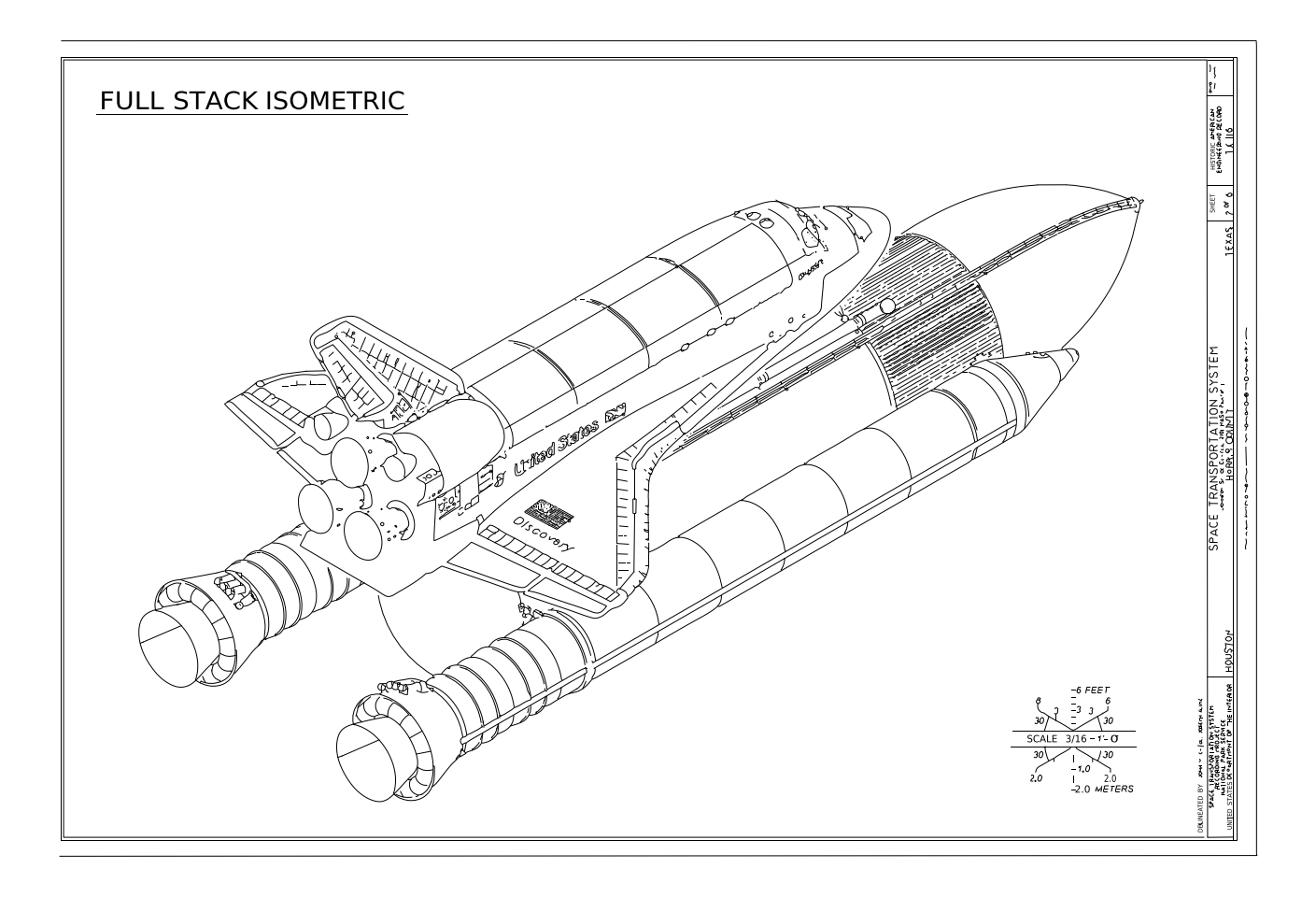 Space Shuttle full stack isometric (HAER)
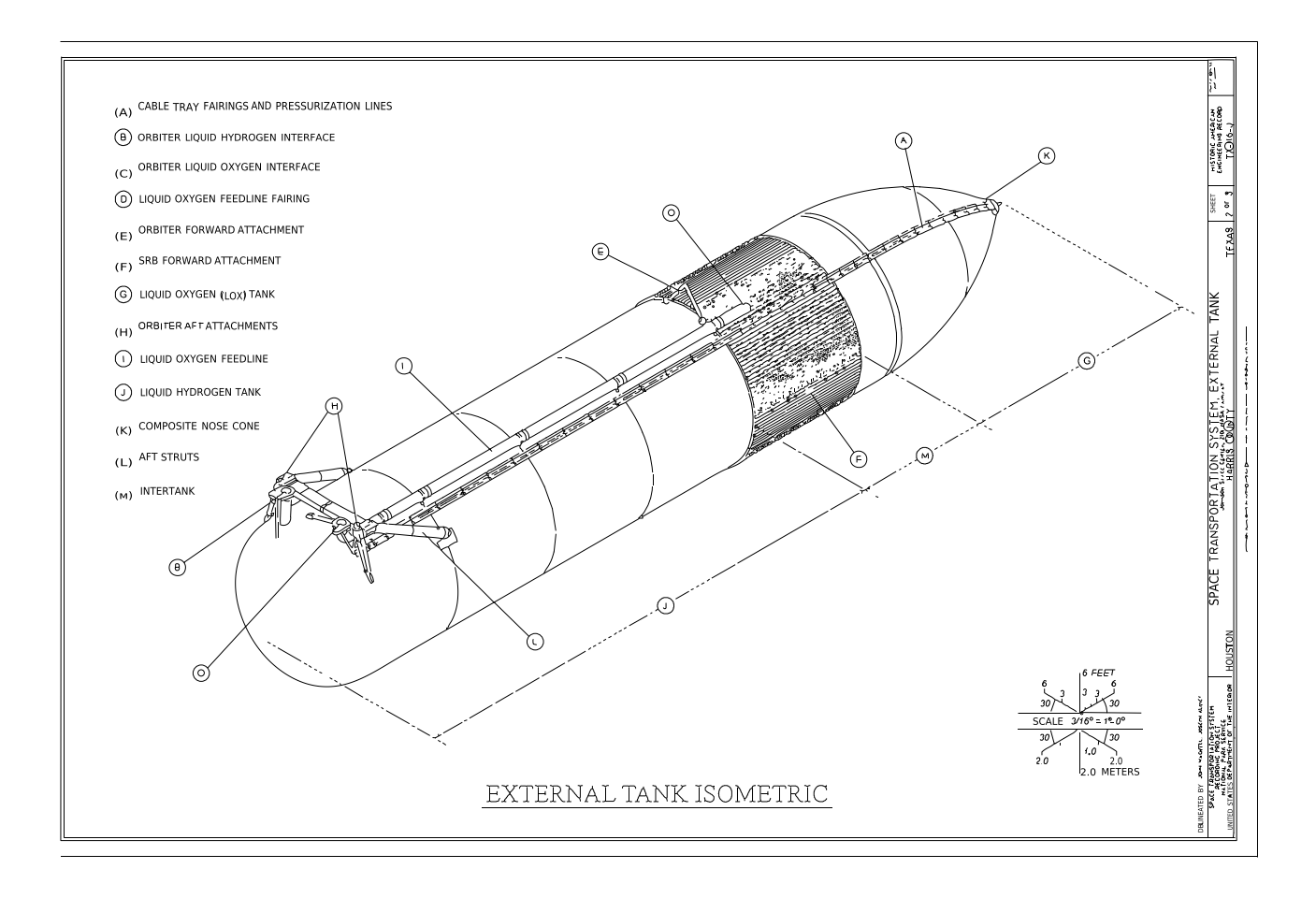 Space Shuttle external tank isometric (HAER)
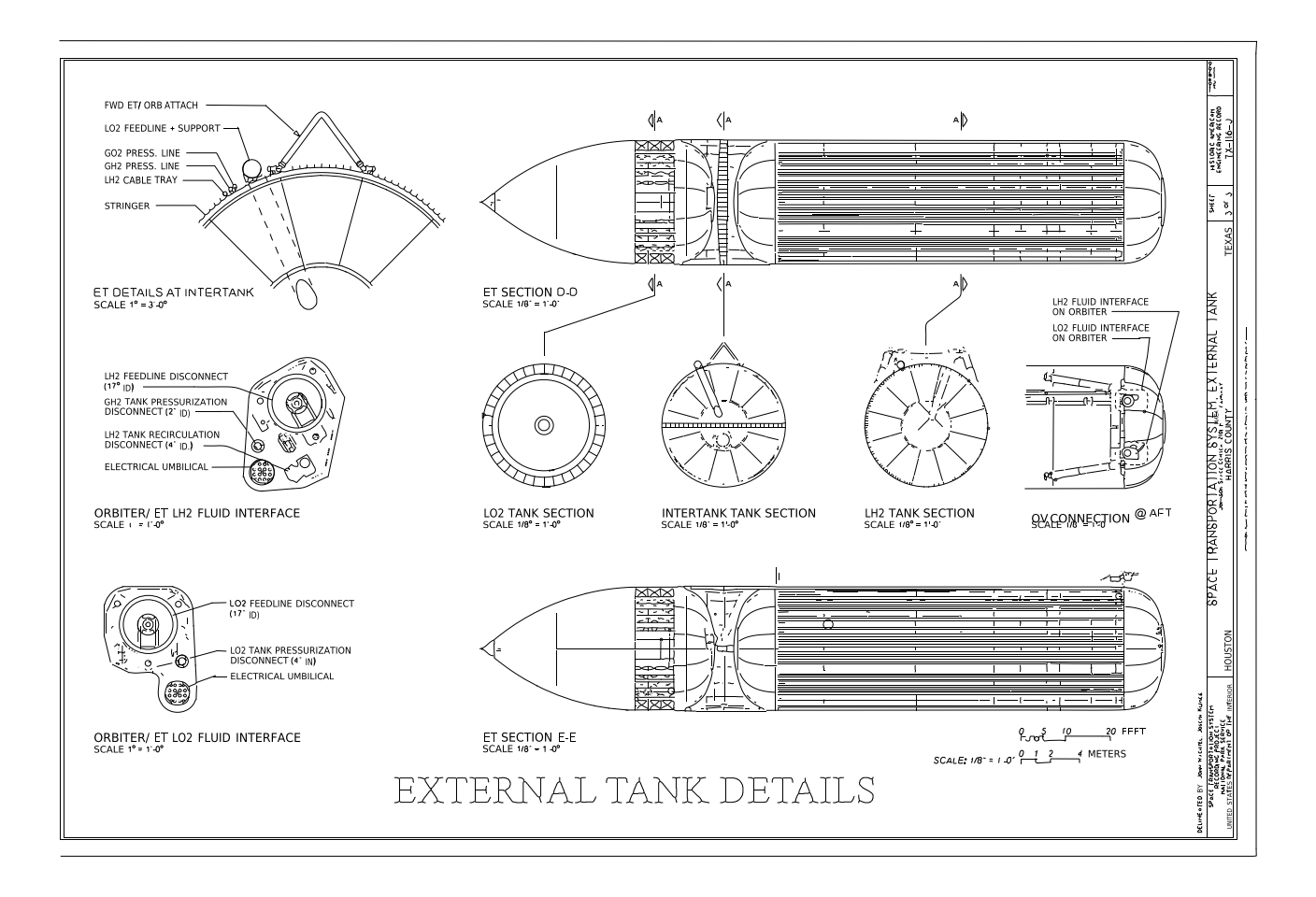 Space Shuttle external tank details (HAER)
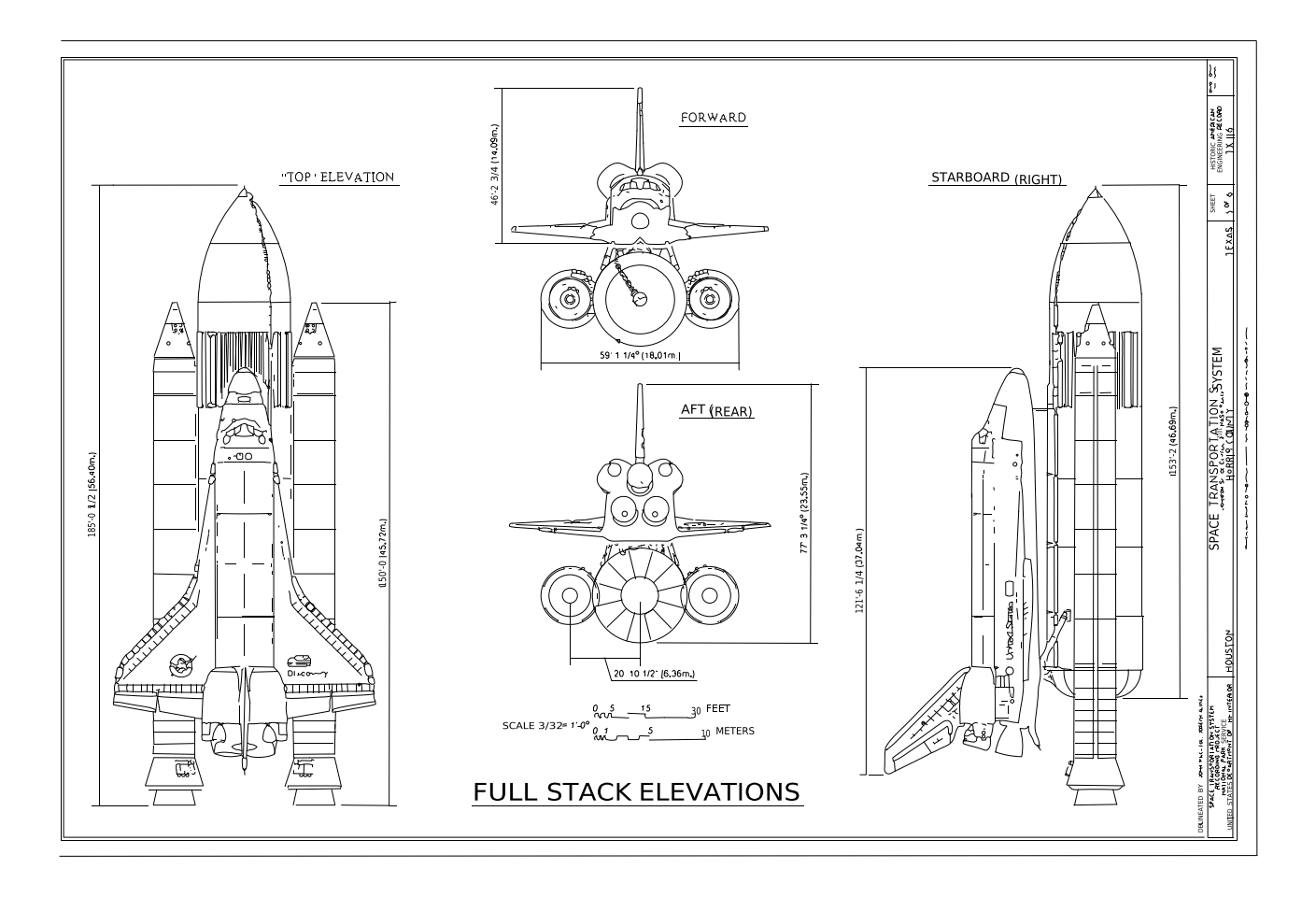 Space Shuttle full stack elevations (HAER)
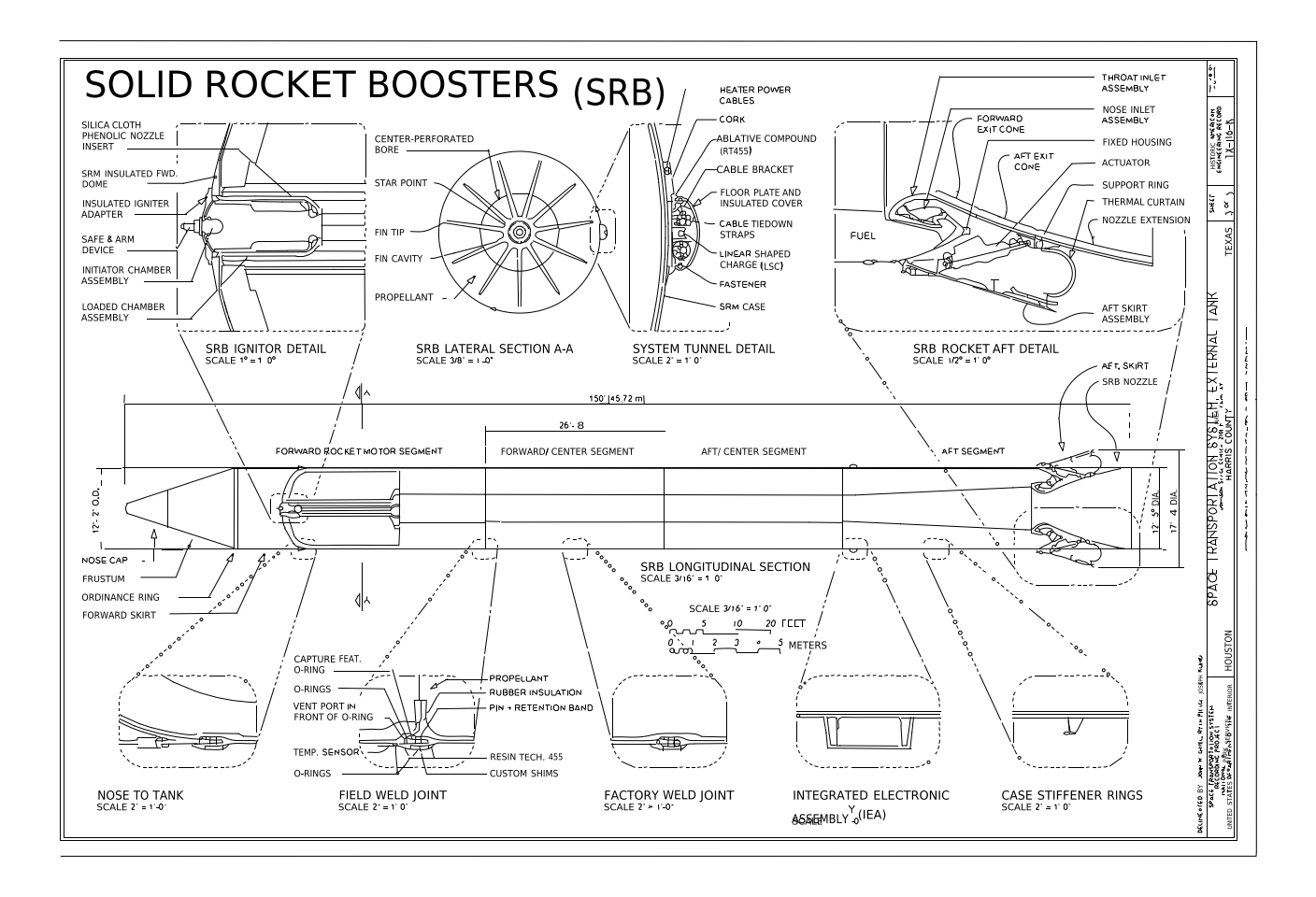 Space Shuttle solid rocket booster details and joints (HAER)
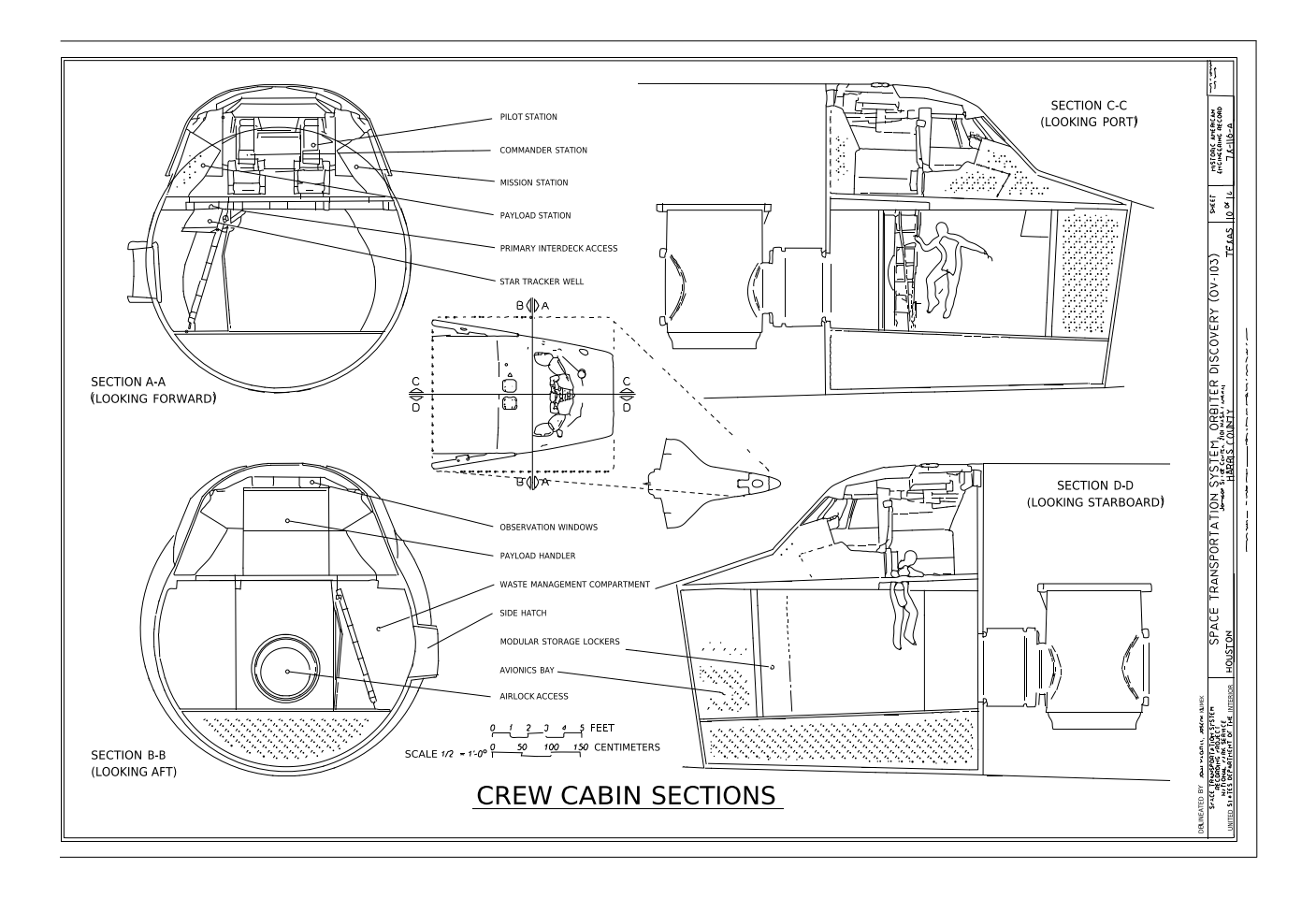 Space Shuttle Discovery crew cabin sections (HAER)
Yes, if it is flat, evenly lit and shot straight on. Crop away the table before uploading.
Faded or broken lines in the scan stay broken. Close them in CAD with trim/extend, or rescan darker.
Your first conversion needs no account. A free account adds more, three in total shared with the image converter, and the DXF is never watermarked. Paid plans are unlimited.
LINE, ARC, CIRCLE and LWPOLYLINE on named layers (outline, centre lines, holes…), which AutoCAD, LibreCAD, FreeCAD, Fusion and LightBurn open.
It stays private to your account (or your browser session for a guest try) and is deleted automatically after 7 days.
Guests: 1 free conversion. Free account: 3 in total. Paid plans: unlimited.