From clip art to a file your machine cuts.
Transparent PNG clip art is the easiest input: the background is already gone, so Lumekon traces the design and wraps a clean cut line around it.
PNG, JPG, WebP or SVG up to 12 MB. Flat artwork with clear edges traces best.
Lumekon merges similar colours, builds a cut line around the design and a backing shape for stickers.
SVG on every plan; DXF and EPS without watermark on Day Pass and subscriptions. Opens in Cricut Design Space, Silhouette and LightBurn.
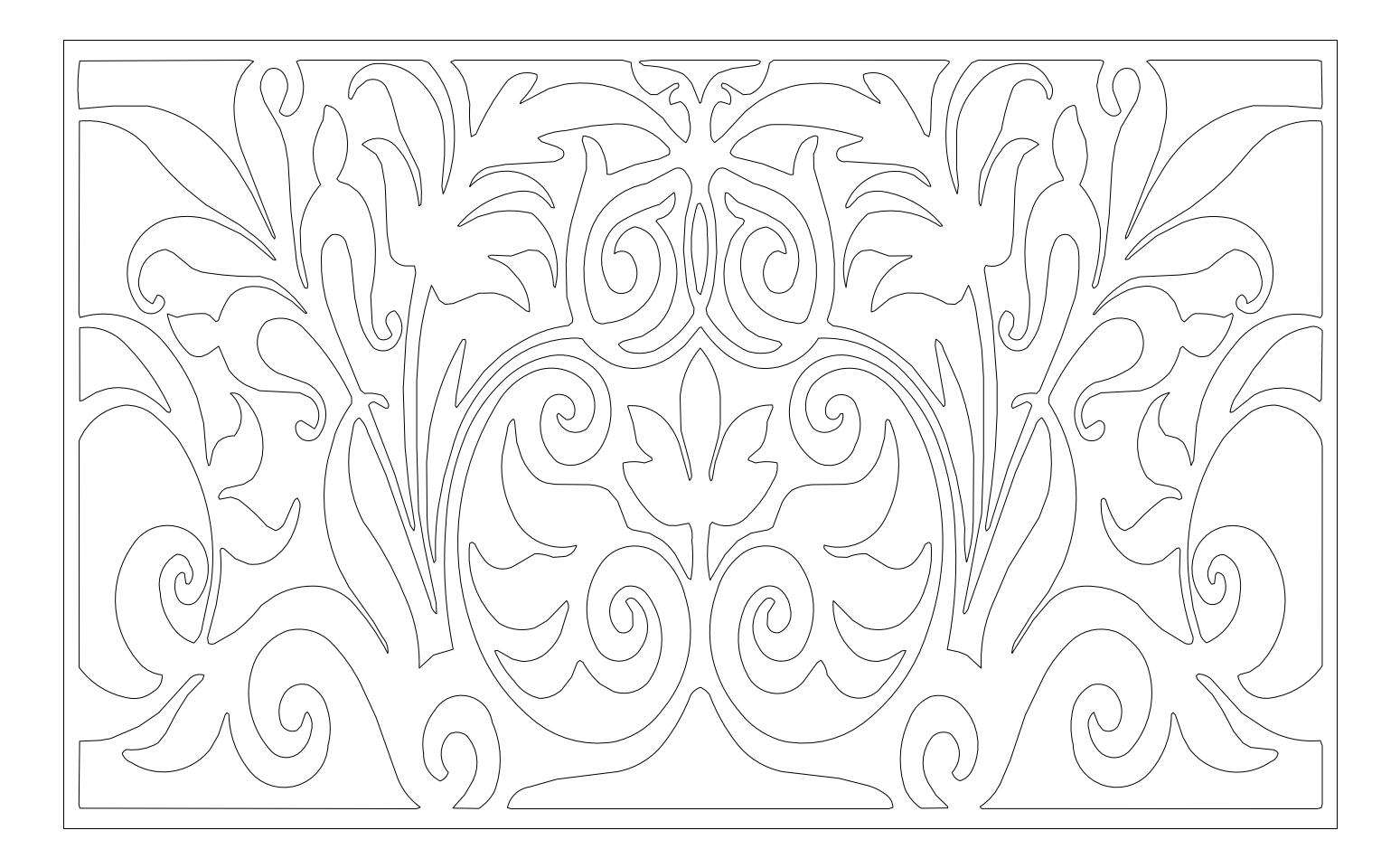
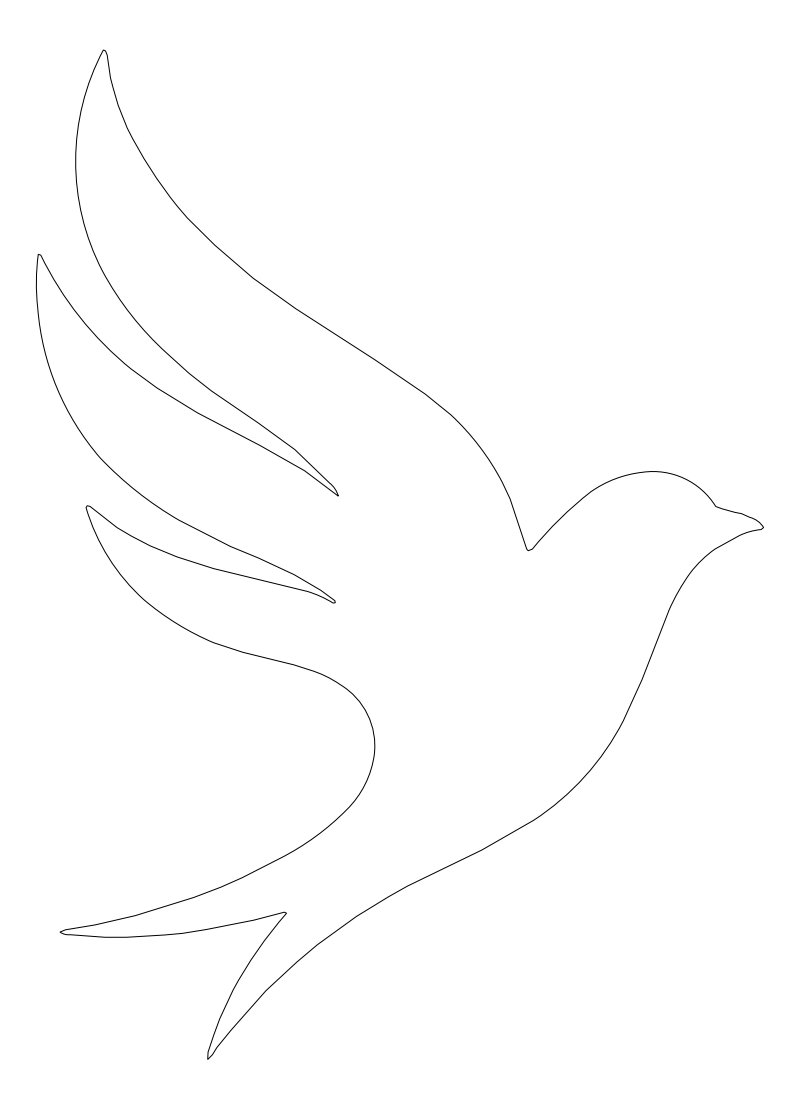
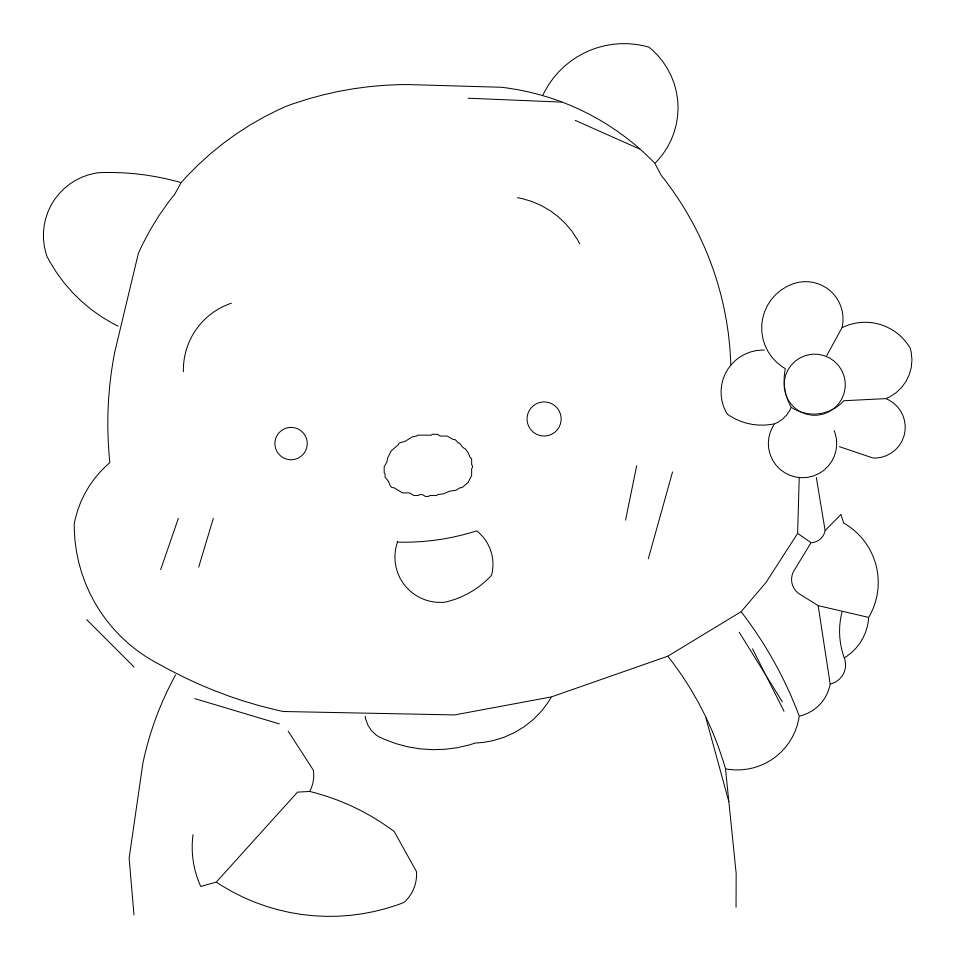
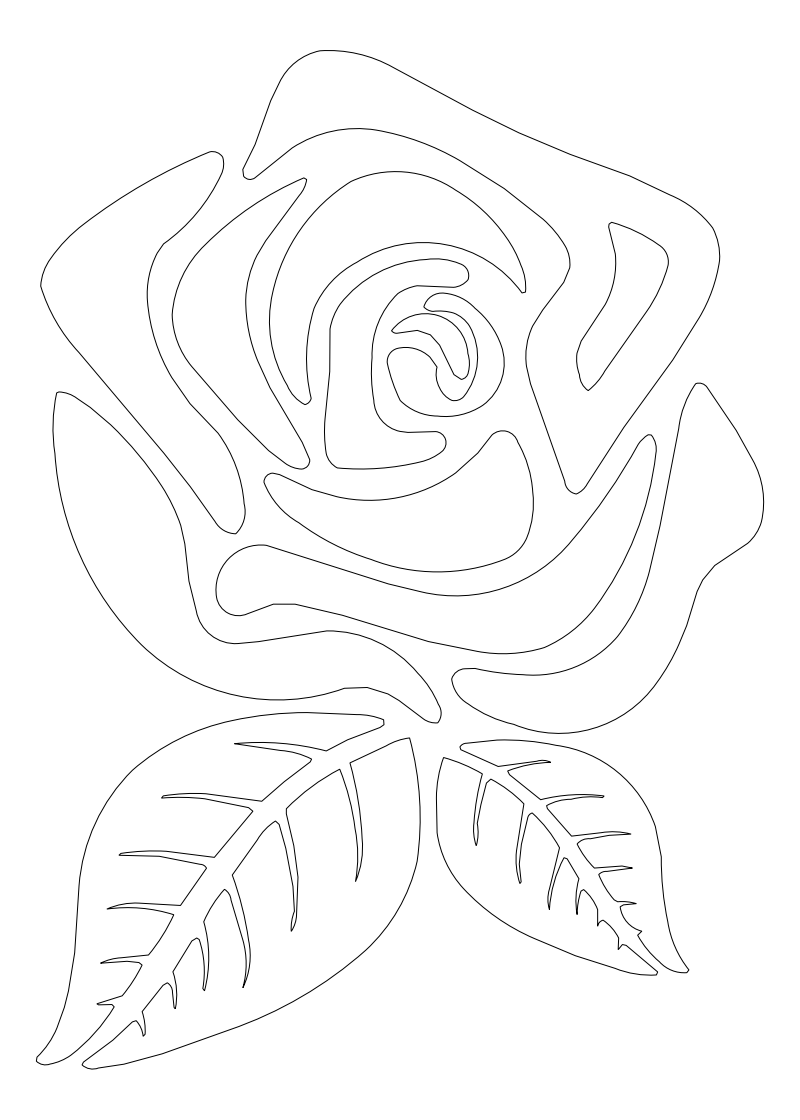
Our own sample files, converted by the same pipeline you use. Download the source and the result and open them yourself.
Knowing the limits saves a wasted cut or a wrong drawing. Here is what to check.
Drop shadows and glows fade into the background and are not cut. Remove them or keep them as a printed layer.
Blurry, enlarged PNGs trace as wobbly edges. Start from the largest original you have.
Not for a transparent PNG. A plain white background usually works too; check the layers in the result.
Your first conversion needs no account; a free account gives three in total, with a watermark. Day Pass and subscriptions remove it and add DXF and EPS.
Yes. Colours come as separate layers, and the cut line is a closed path, so Design Space cuts each shape once.
Guests: 1 free conversion. Free account: 3 in total. Paid plans: unlimited.